
Setting up your Wi-Fi router correctly is essential for speed, security, and performance. In this guide, we’ll walk you through essential Wi-Fi router settings to maximize safety and efficiency.
192.168.1.1 in the address bar.Optimizing your Wi-Fi router settings ensures a faster and safer home network. By following these steps, you can improve security, manage bandwidth, and prevent unauthorized access.
Looking for advanced settings? Stay tuned for future videos on port forwarding, VPNs, and VLAN configurations to further enhance your network.
Understanding your Wi-Fi router settings is essential for security and speed. This guide walks through key steps for optimizing your home network.
Key Takeaways:
192.168.1.1 and change the default password.Following these steps ensures a stable and secure internet connection for your home or office.

Welcome back to Ultimate Tech Hub, on today\'s episode of Home Networking 101 we will add 4 networking devices to our ...

Discover the ASUS ZenBook S16, a powerhouse laptop featuring the Ryzen 9 AI processor, 24GB RAM, 3K OLED touchscreen, ...

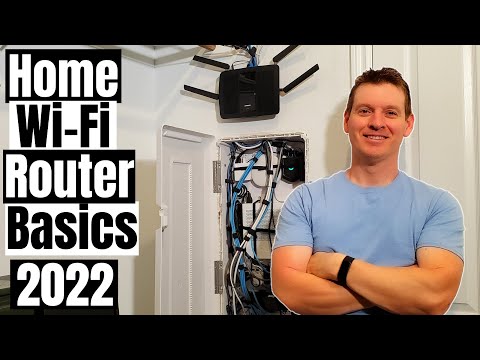
What Router Settings Should You Change? These are the Top Wireless Router Settings in 2022. If you have any questions about ...
The Ultimate Home Networking Build Guide 2024! The Perfect Video for Beginners or Intermediate Home Network builders! Enjoy!

STOP! Don\'t Buy a Wi-Fi 7 Router Until You See This! Wi-Fi 7 EXPOSED! Thinking about upgrading to Wi-Fi 7? Before you ...
Welcome back to HOME NETWORKING FOR BEGINNERS! The easiest upgrade for your SOHO Network is adding a managed ...